
Last updated October 30, 2026
 Wrought iron
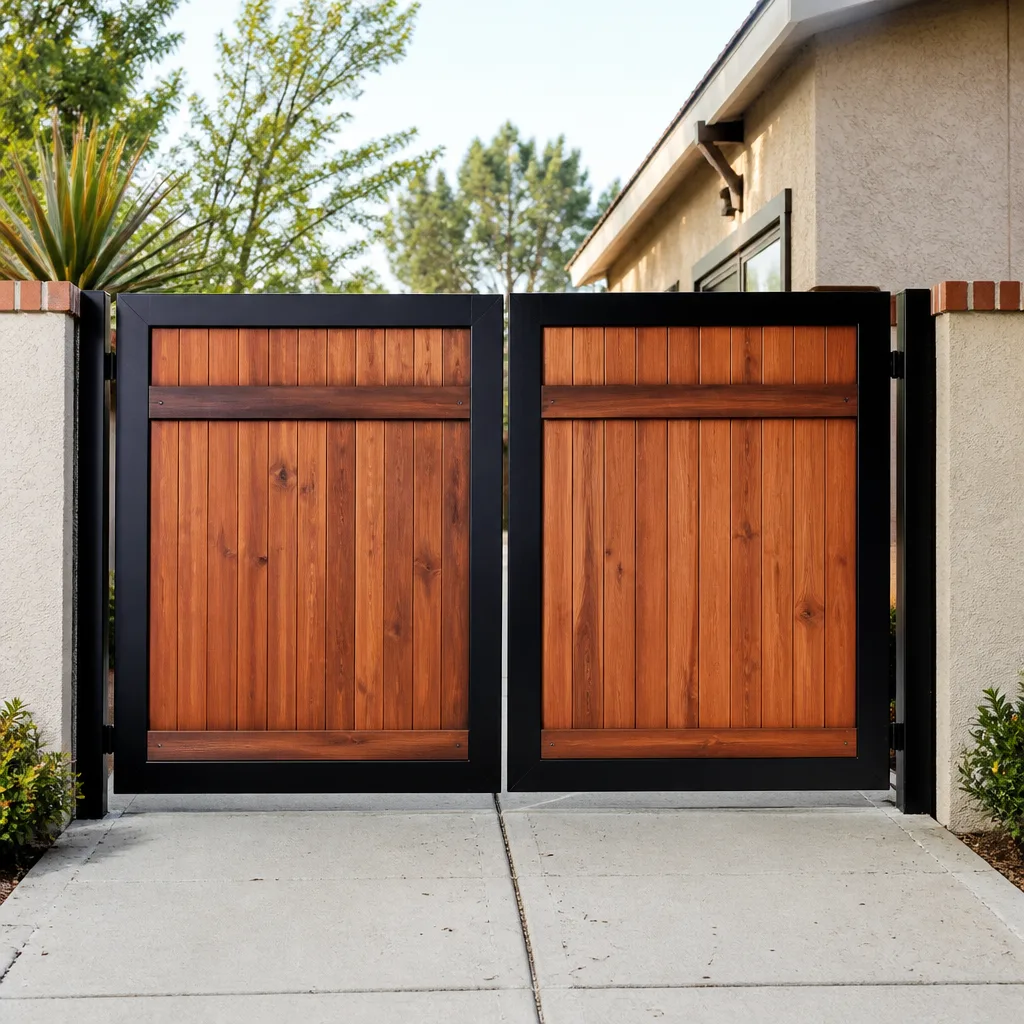 Wood & steel frame
 Farm & ranch
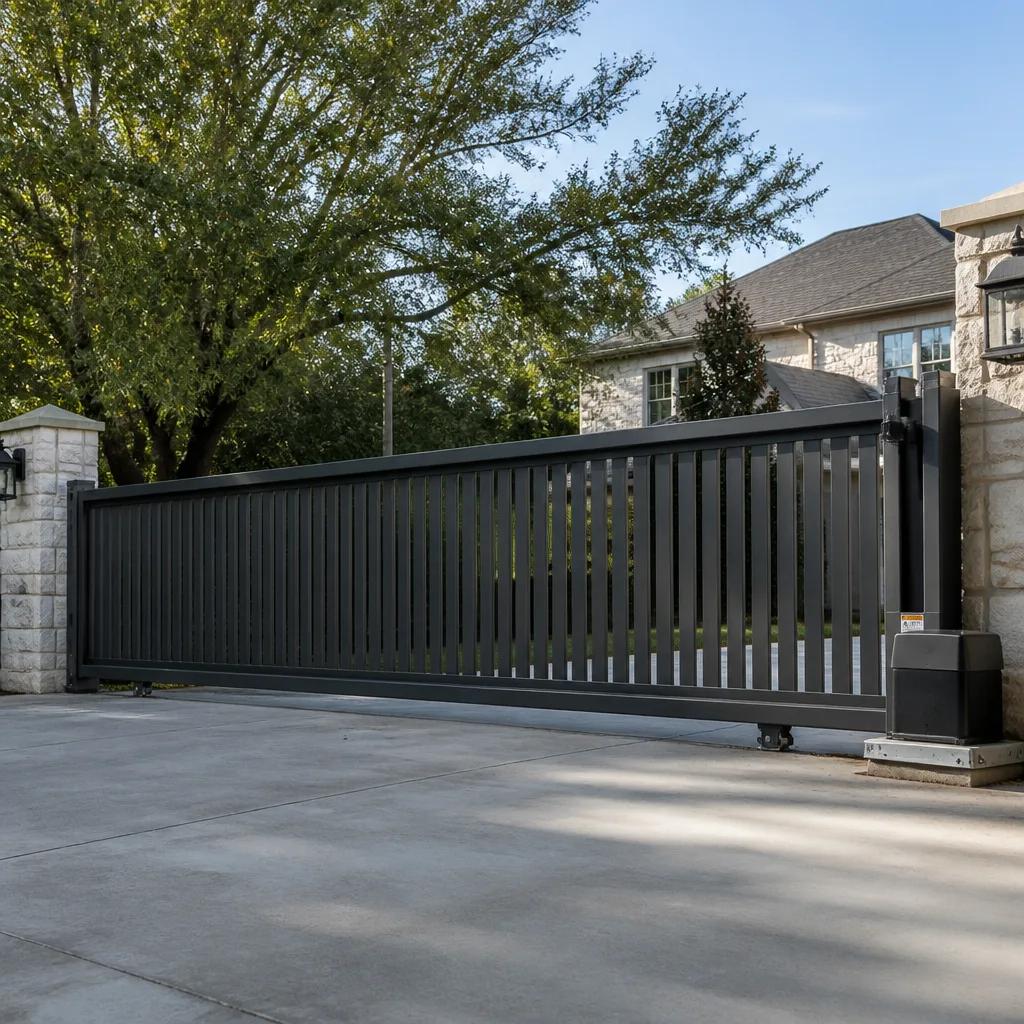 Sliding driveway gates
 LiftMaster operators
Free on-site gate assessment - hinges, posts, and your LiftMaster or Nice gate operator checked before anything is quoted
The assessment is free and the quote is the invoice.
Get your free estimateGate Repair Troubleshooting: Common Problems and How to Fix Them
Here’s a pattern we see constantly in DeSoto: a homeowner replaces a perfectly good set of photo eye sensors because their gate refuses to stay closed, only to discover the real culprit was a corroded wire splice buried under three feet of clay soil near the operator. The sensor swap cost a hundred dollars in parts and changed nothing. The actual fix took twenty minutes with a multimeter, a wire nut, and some waterproof sealant. This guide exists to save you from that exact sequence. You’ll learn how to trace gate failures upstream to their actual source, test the electrical components that cause most phantom problems, and recognize when a symptom is lying to you. For professional help, see our Gate Repair services. By the end, you’ll know which fixes are genuinely DIY territory, which ones need a specialist, and which brand-specific quirks to check before spending a dime on parts.
Quick Answer
Most gate failures fall into one of three categories: power supply problems, sensor or obstruction faults, and mechanical wear on hinges, wheels, or the operator itself. The fastest troubleshooting path is to check the power source first, then test the operator’s voltage draw with a multimeter, then inspect the mechanical components. If your gate beeps, flashes a warning LED, or reverses unexpectedly, the specific pattern of that behavior usually points to one component more than any other – and we’ve mapped those patterns below.
Styles & brands we work with
Table of Contents
- Symptom-to-Source Map: The 10 Most Common Gate Behaviors
- The Multimeter Test That Skips Most Wasted Service Calls
- Brand-Specific Quirks: LiftMaster, Viking, Linear, and Mighty Mule
- The Loop Detector Blind Spot
- Board Reset Sequences: When a Reset Fixes It, When It Won’t
- Mechanical Failures That Mimic Electrical Problems
- Safety Sensors and Obstruction Systems
- Power Supply and Transformer Issues
- Common Mistakes to Avoid
- When to Call a Professional
Symptom-to-Source Map: The 10 Most Common Gate Behaviors
Here’s the truth about gate troubleshooting: symptoms lie. A gate that grinds when it opens might have a bad gear in the operator. It might also have a sagging hinge putting lateral load on the operator arm. The difference matters because replacing the operator costs anywhere from $900 to $2,500 installed, while addressing the hinge problem might cost less than $200. In DeSoto’s climate – with its summer heat cycles and occasional freeze snaps – we see certain failure patterns repeat across neighborhoods from Meadow Creek to Summit Parks. These are the ten behaviors we encounter most, paired with their statistically most likely sources, not just the obvious ones. For related reading, check out our Gate Repair Warning Signs: A DeSoto Homeowner’s Reference Guide.
- Gate won’t open at all: Dead transformer, tripped breaker, or a failed logic board. Check power before touching anything else.
- Gate opens but won’t close: Photo eye misalignment or obstruction, a failed safety edge sensor, or a loop detector that’s stuck in “vehicle present” mode.
- Gate reverses before fully closing: Usually a voltage drop at the operator – often from a corroded wire splice, not a sensor issue. This is the symptom that most often leads to wasted parts purchases.
- Gate opens partially then stops: A failing capacitor in the operator motor, or a physical obstruction like a warped rail or a wheel off its track.
- Grinding or screeching noise: Worn gear teeth in the operator, lack of lubrication on the chain or rail, or a bearing that’s seized.
- Gate moves slowly: Low voltage at the operator, a failing motor capacitor, or wheel bearings that need cleaning and grease.
- Gate slams shut: Failed hydraulic cylinder seal on hydraulic operators, or a broken mechanical stop on slide gates.
- Remote works intermittently: Low battery in the remote, antenna damage on the receiver, or RF interference from a newer device near the operator.
- Gate beeps but doesn’t move: On LiftMaster units, this often signals a force-setting error. On Viking units, a specific LED flash pattern indicates the exact fault.
- Gate opens on its own: A failing loop detector, a shorted push button circuit, or water intrusion in the control board from a compromised enclosure seal.
None of these symptoms maps perfectly to a single cause in every case. But starting with the most probable source – not the most obvious or most replaced part – gets you to a real fix faster. If you’re reading a Bastion Gate Repair home guide because your gate is doing something on this list, run the test sequence below before ordering parts.
The Multimeter Test That Skips Most Wasted Service Calls
Before you touch a single mechanical component, test the electrical supply. This one sequence – which takes about ten minutes with a basic digital multimeter – identifies the root cause of roughly 40% of the gate failures we diagnose in DeSoto. The issue is rarely the motor itself. It’s usually voltage that never arrived at the motor, or voltage that collapses when the motor tries to draw current.
Here’s the step-by-step process we use on every service call, and the same one a careful homeowner can follow:
- Turn off the circuit breaker for the gate operator. Confirm power is off with a non-contact voltage tester before opening any panel.
- Test the transformer’s secondary output. Most residential gate operators use a 24VAC transformer. With the breaker back on, set your multimeter to AC voltage and probe the transformer’s secondary terminals. You should see between 22 and 28 volts. If you see zero, the transformer is dead. If you see 10-15 volts, the transformer is failing under load.
- Test the operator’s supply voltage at the board terminals. Set the meter to AC voltage and measure where the transformer wires land on the logic board. If the transformer reads 24V but the board reads 12V or less, you have voltage drop somewhere between the two – almost always a corroded splice or a damaged wire run, especially in gate systems where wire is buried or run through conduit that fills with water during heavy North Texas rain.
- Test the battery (if your operator has one). Set the meter to DC voltage. A healthy 12V battery should read between 12.6 and 13.8 volts. Below 12.2, the battery is struggling. Below 11.8, it’s dead and likely caused the operator to behave erratically.
- Test voltage draw during operation. Set the meter to AC voltage at the motor terminals and trigger the gate. If the voltage drops by more than 15% while the gate is moving, you have a resistance problem upstream – undersized wire, a failing transformer, or a corroded connection. This is the test that catches the exact scenario we described earlier: a gate reversing because a splice 30 feet away is burning voltage.
What you’re looking for in every case is consistent voltage that holds its level under load. A transformer that reads 24V with no load but drops to 14V when the motor starts is not fine. It’s the problem. And it’s a hundred-dollar fix, not a thousand-dollar operator replacement.
Brand-Specific Quirks: LiftMaster, Viking, Linear, and Mighty Mule
Every gate operator brand has its own diagnostic language. The first step that works for a LiftMaster system might be completely wrong for a Viking unit. Here’s what we’ve learned from servicing all nine major brands across residential and commercial systems in the DeSoto area – and why the first troubleshooting step matters so much more than most people think.
LiftMaster: The Beep Means Something
LiftMaster residential operators – the LA400, LA500, and the ubiquitous LA412 solar units – communicate through beep patterns and LED codes. A single beep followed by no movement usually indicates a force setting that’s been tripped, not a dead motor. Two beeps often signal a sensor obstruction. Five beeps on many models means the board has detected a thermal overload and shut down to protect itself. Before you order a replacement board for a LiftMaster that won’t move, wait thirty seconds and try again. If it works once and then fails again in the same spot on the rail, you have a mechanical bind, not an electrical fault. The board is doing its job by refusing to push through it.
Viking: The LED Flash Count Is the Code
Viking operators – common on commercial and higher-end residential installations around DeSoto – use a diagnostic LED on the control board that flashes in specific patterns. One flash, pause, one flash means an obstruction detection event. Three flashes indicates a failed primary limit switch. Five flashes often points to a motor capacitor that’s out of spec. The exact sequence matters because Viking boards don’t reset the same way LiftMaster boards do. You clear a Viking fault by removing power for a full thirty seconds and then holding the reset button while restoring power on certain models. Guessing at a Viking fault code without the service manual is expensive. We’ve replaced enough Viking capacitors to know that the flash pattern is almost always right.
Linear: The Board’s Silence Is the Clue
Linear operators – particularly the gate-specific models from the LSO and ACT series – have a reputation for dying silently. No beep, no flash, just nothing. The first test on a non-responsive Linear unit isn’t the board. It’s the transformer and the inline fuse you’ll find between the transformer and the board on most models. Linear runs a 3-amp inline fuse on many residential operators, and when it blows – usually from a lightning strike or a power surge during a Texas thunderstorm – the entire system appears dead. A five-dollar fuse replaces a two-hundred-dollar board, but only if you check for it first.
Mighty Mule: The DIY Brand with a Learning Curve
Mighty Mule units dominate the entry-level residential market around DeSoto, especially in newer subdivisions where homeowners installed their own systems. The most common Mighty Mule failure we see is a dead control board caused by water intrusion – the board is mounted in a plastic housing that degrades in the Texas sun and cracks. The second most common is a receiver module that’s lost its programming. The fix for the latter is a simple remote re-learn sequence, but the water-damaged board is a replacement job. Mighty Mule parts are inexpensive, which makes replacement viable, but we’ve also seen plenty of homeowners buy a second board, mount it in the same cracked housing, and repeat the failure within a year.
The Loop Detector Blind Spot
Buried under the concrete or asphalt at the entrance of many automatic gates in DeSoto is a loop of wire – a vehicle detection loop – that senses when a car is present. The loop detector reads inductance changes in the loop and tells the gate to stay open, close, or hold position. When that buried loop fails, the gate behaves like it’s haunted. It opens on its own. It refuses to close even when the path is clear. It reverses for no visible reason. And because the loop itself is invisible – buried wire, no moving parts, no way to visually inspect it – homeowners and even some technicians replace everything else before finding it.
Loop detector failures fall into three categories. First, the loop wire itself breaks or shorts, usually from concrete settling or from a vehicle repeatedly driving over a section that wasn’t buried deep enough. Second, the detector module on the control board fails, often from a power surge. Third, the loop’s sensitivity setting drifts out of calibration, causing false triggers or missed detections. The diagnostic approach is straightforward: disconnect the loop detector from the board and run the gate manually. If the erratic behavior stops, the loop circuit is the problem – not the sensors, not the board, not the motor.
In areas of DeSoto with expansive clay soil – and that’s most of the city – loop failures happen more often than in other regions because the ground shifts seasonally, stressing buried wire. If your gate has been acting erratically for months, and you’ve already replaced sensors or remotes, have the loop tested. It’s a ten-minute diagnostic that explains a lot of mystery behavior.
Board Reset Sequences: When a Reset Fixes It, When It Won’t
Logic boards get confused. A power surge, a brownout during a summer storm, or a rapid cycle of open-close commands can leave the board in a fault state that has nothing to do with an actual mechanical problem. Resetting the board clears that state and restores normal operation. But resetting blindly is also a way to mask a real problem. Here’s the distinction: if a reset fixes the gate and the gate keeps working for weeks, it was a transient fault. If the reset fixes it for a day and then the fault returns, you have a component pulling the board back into protection mode.
Here are the reset sequences for three operators we see most often on DeSoto residential installs. These are the official sequences from the service manuals, and they should be followed exactly:
- LiftMaster LA400/LA500 series: Remove AC power. Disconnect the battery. Wait 30 seconds. Reconnect the battery, then restore AC power. Press and release the learn button on the control board. The gate should cycle once. If it cycles and then re-enters a fault state, the force settings or the mechanical load are the issue.
- Linear LSO series: Turn the power switch off. Locate the reset jumper or button on the control board (position varies by model – check your manual). Hold the reset button down for 10 seconds while restoring power. Release the button. The board performs a self-test and the status LED should return to a solid green state. A red flashing LED after reset means the board detected a fault on startup.
- Ghost Controls residential kits: Disconnect power and the battery. Wait 15 seconds. Reconnect the battery first, then the AC adapter. Press and hold the remote-learn button on the control board for 5 seconds until the LED flashes twice. The operator should re-learn its limits. If the gate doesn’t move during the limit re-learn, the motor or the capacitor is the problem.
Here’s the part people miss: a board that repeatedly needs resetting is a board that’s being driven into a fault by something else. It might be a failing capacitor, a motor drawing more current than the board’s limits allow, or a sensor that’s sending intermittent signals. Reset it once. If the fault returns, the reset told you something: the board is not the root cause. Something else is, and that something else needs to be found.
Mechanical Failures That Mimic Electrical Problems
A gate that won’t move isn’t always an electrical issue. Mechanical wear – particularly on slide gates and swing gates that have been in service for years – creates drag that the operator reads as an overload. The operator shuts down, blows a fuse, or triggers a force-setting fault. Homeowners then assume the motor is bad. Often, the motor is fine and it’s been fighting a physical problem for months.
Here’s what to inspect before replacing any electrical component:
- Rollers and bearings: Slide gates ride on steel wheels. When those wheels seize, they stop rolling and start dragging. The gate gets heavier every month. Clean and grease the bearings or replace the wheels before the operator burns itself out.
- Hinges on swing gates: A sagging hinge isn’t just a cosmetic issue. It changes the alignment of the entire gate leaf, which puts lateral load on the operator’s drive mechanism. Operators are designed to push and pull, not to support a gate that’s leaning.
- Track alignment: A slide gate that’s off its track by even a half-inch creates resistance that compounds along the full travel. Look for wear marks on the track, missing shims, or a post that’s shifted.
- Chain or belt tension: Too loose and the drive system slips. Too tight and it puts strain on the motor and the sprocket shaft. Check the tension according to your operator’s manual – most specify a deflection amount measured in inches.
- Obstructions in the path: In DeSoto’s spring and summer growing season, grass and weeds along the gate’s path can grow fast enough to interfere with operation. A gate that worked fine in March might be fighting a new growth every morning by June.
Here’s a specific detail from our service history in DeSoto: we’ve removed more failed operators from slide gates where the rail had never been cleaned than from any other mechanical cause. The operator fails slowly, over months, because the rail accumulates dirt, grime, and concrete dust from the driveway. By the time the motor burns out, the rail looks like a dirt road. A quarterly rail cleaning takes ten minutes and extends operator life by years.
Safety Sensors and Obstruction Systems
Modern automatic gates are required to have at least two independent obstruction detection systems: a physical safety mechanism (typically a safety edge or a pressure-sensitive strip on the leading edge of the gate) and a non-contact mechanism (typically photo eyes or an infrared beam). When either system fails, the gate defaults to a fail-safe mode: it won’t close automatically. This is correct behavior. The problem is that the gate doesn’t tell you which system failed – it just refuses to close.
The diagnostic process for safety systems follows a specific order. First, check the photo eyes. Look for misalignment (one eye knocked off its mount by a vehicle or a strong wind), dirt on the lenses, or vegetation that’s grown into the beam path. Second, check the safety edge. Press on it along its full length and feel for a section that’s lost its resistance – the internal sensor strip can fail from moisture intrusion or physical damage. Third, check the wiring for both systems. In DeSoto’s soil conditions, underground wire splices that weren’t properly sealed are a common source of intermittent sensor failures because the clay soil holds moisture against the splice for days after rain.
A note on safety: the obstruction detection systems on automatic gates are there to prevent serious injury, especially on heavier slide gates and commercial operators. If a safety system has failed, do not disable it or bypass it to get the gate working again. A gate that closes without functional obstruction detection can crush a vehicle, a pet, or a person. If the safety components need replacement, replace them before running the gate in automatic mode. A specialist can do this work safely and verify that the system meets current safety standards.
Power Supply and Transformer Issues
Most gate problems start at the power source, even when the symptoms appear mechanical or sensor-related. A failing transformer produces a cascade of strange behavior because the operator’s logic board and motor are both trying to function on insufficient voltage. The board may work – it draws very little current – while the motor cannot start because it needs far more power. The board then interprets the motor’s failure to move as an obstruction, locks the system into a fault state, and the homeowner starts diagnosing sensors.
Here’s what to check in order:
- The circuit breaker: Gate operators should be on a dedicated circuit. If the breaker has tripped, reset it once. If it trips again, you have a short somewhere – likely in the operator’s wiring or a failed component drawing excessive current.
- The GFCI outlet (if applicable): Many residential gate operators plug into a GFCI outlet near the operator post. GFCIs fail over time, especially in outdoor installations where moisture enters the receptacle. Test the outlet with a simple plug-in tester before touching the operator.
- The transformer secondary voltage: As covered in the multimeter section, test the output. A transformer reading below 22VAC on a 24V system is failing.
- The inline fuse on the board: Most operators have a blade fuse or glass-tube fuse mounted on the board or in an inline holder. A blown fuse often indicates a component failure downstream, not just a bad fuse. Replace it once. If it blows again, find the short before replacing anything else.
One more DeSoto-specific note: power surges from lightning strikes are a real risk in North Texas. A direct hit doesn’t need to touch your gate – a strike on a nearby transformer can send a spike through the electrical line and fry a gate operator’s board instantly. If your gate died after a storm and the breaker is fine, the board is the likely culprit. That’s also why we recommend surge protection on any gate operator that isn’t already on a protected circuit.
Common Mistakes to Avoid
- Replacing the sensors before testing the power supply. The photo eyes are rarely the root cause of a gate reversal. A voltage drop or a failing transformer is far more common. Test power first, always.
- Buying a new remote before checking the receiver. If the remote’s LED lights up but the gate doesn’t respond, the problem might be the receiver, not the remote. A new remote won’t help if the receiver in the operator is damaged or the antenna wire has been cut.
- Resetting the board without asking why it faulted. A reset is a diagnostic step, not a fix. If the fault returns, you’ve confirmed there’s an underlying cause. Find it.
- Ignoring a gate that’s gotten slower over months. Slow operation is a warning sign. The motor is working harder than it should, and eventually it will fail. Addressing the drag while the operator still works is far cheaper than replacing the operator after it burns out.
- Replacing an operator without checking the mechanical load first. A new motor on a gate that hasn’t moved freely in years will fail again – sometimes within weeks. Fix the mechanical problem, then decide if the motor actually needs replacing.
- Skipping the loop detector when the gate acts erratically. If the behavior is intermittent and unpredictable, the loop is a prime suspect. It’s easy to test and often explains symptoms that don’t match any other component.
- Attempting to bypass a safety sensor to get the gate working temporarily. This is dangerous, and it creates liability if an injury occurs. The safety systems exist for a reason. A specialist can identify the failed component and replace it quickly.
When to Call a Professional
Some gate repairs are genuinely DIY territory: cleaning a rail, replacing a battery, realigning photo eyes, or re-learning a remote. Others put you at risk or waste your money. If you’ve followed the diagnostic steps above and the problem is a failed loop detector, a corrupt board that won’t clear, a mechanical issue that requires welding or heavy lifting, or any fault involving the safety systems, this is where a specialist earns their fee. The same goes for commercial operators and any gate on a multi-tenant property – the liability exposure is too high to leave to guesswork. Gate Repair in DeSoto doesn’t have to be expensive when you’re working with someone who diagnoses the actual problem instead of swapping parts. Bastion Gate Repair offers free estimates in DeSoto – call (866) 321-6117 and we’ll tell you what your system actually needs, before any work starts.
See the difference
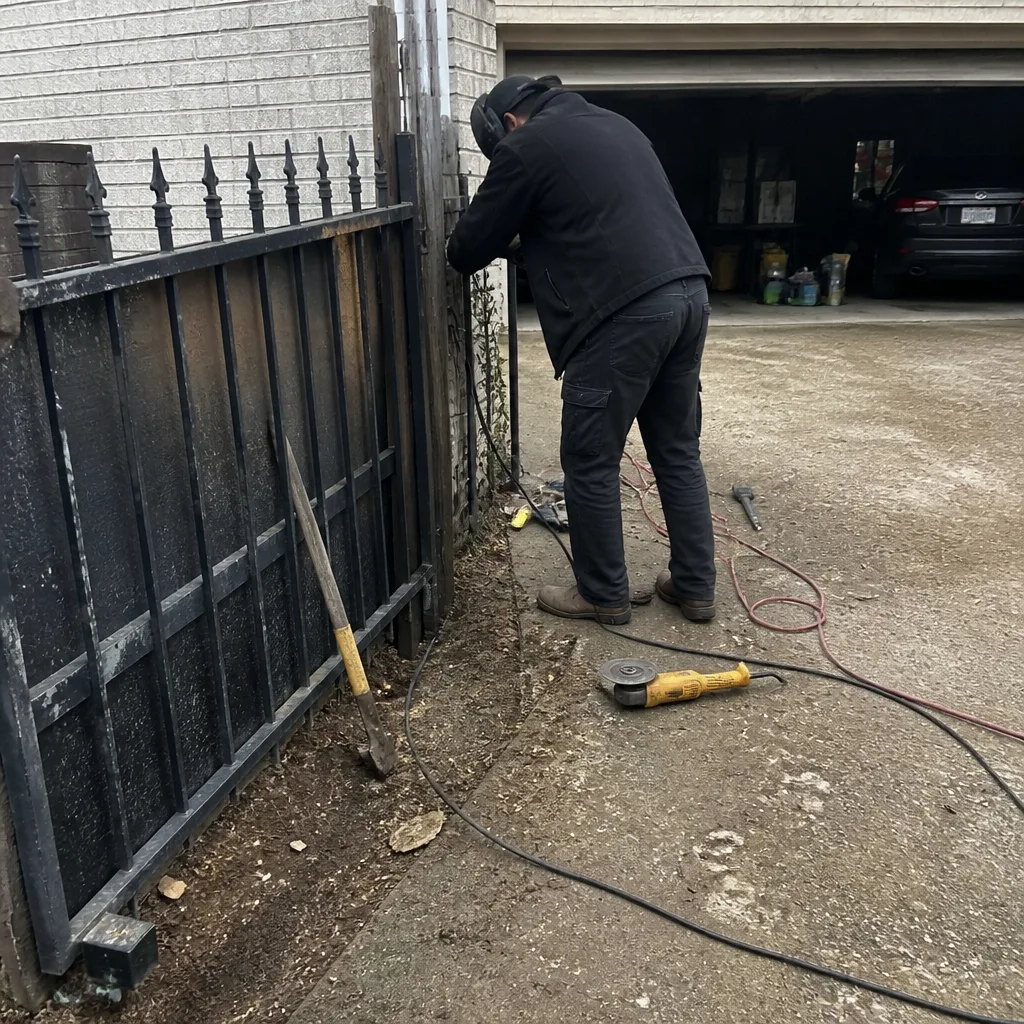 Before
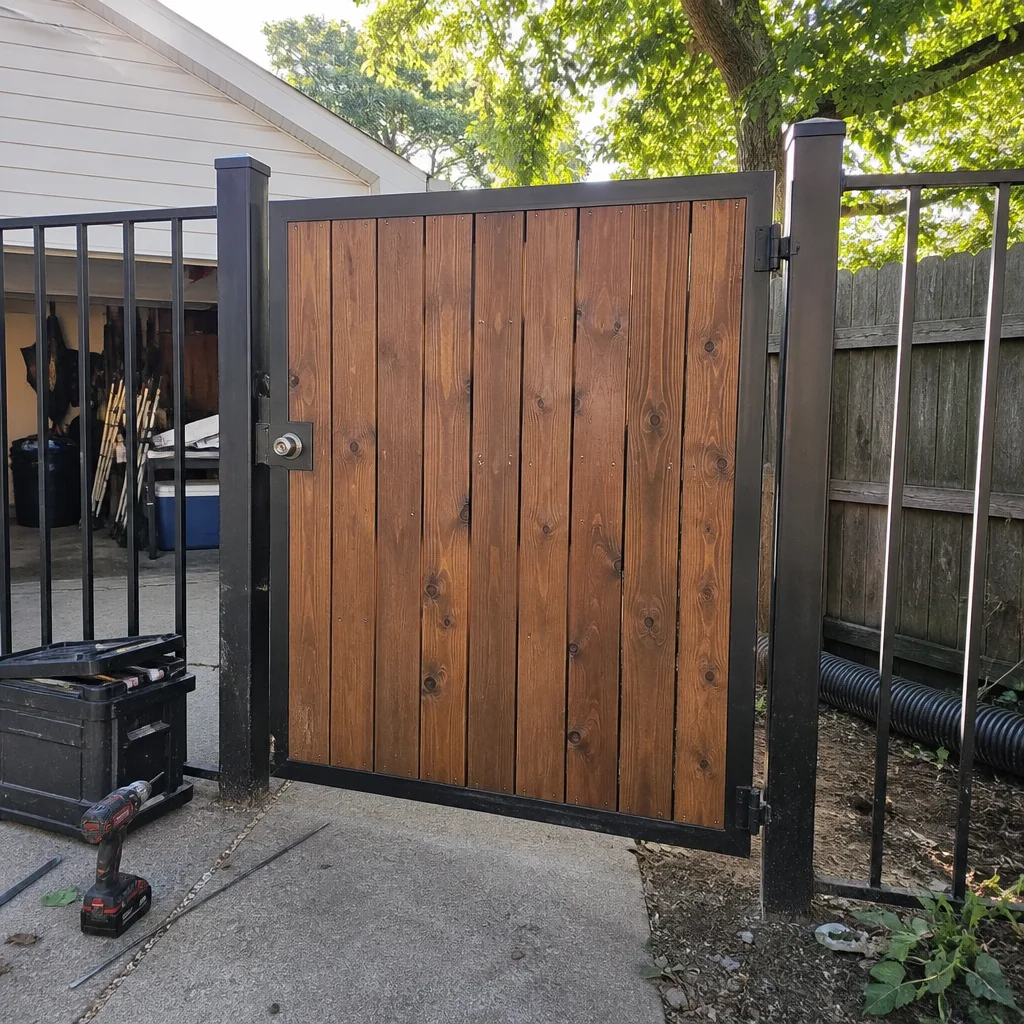 After
After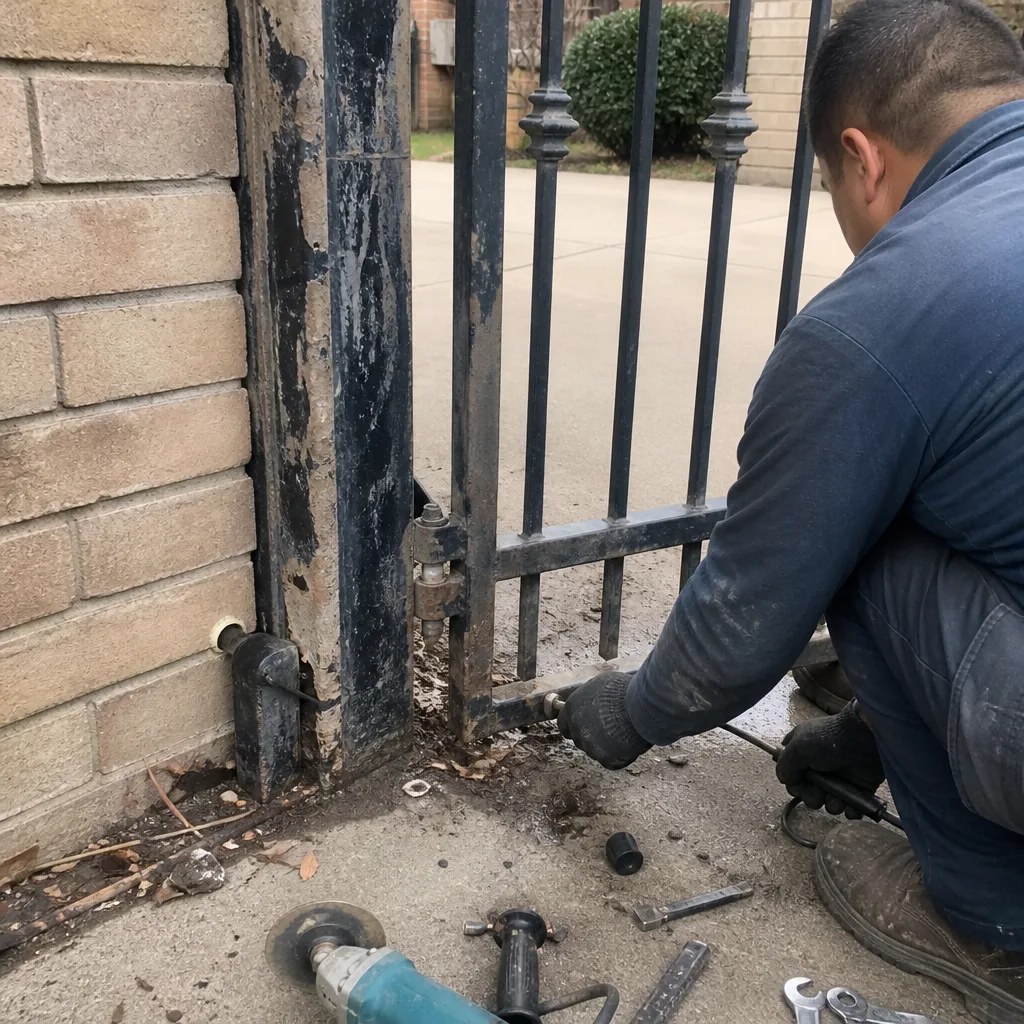 Before
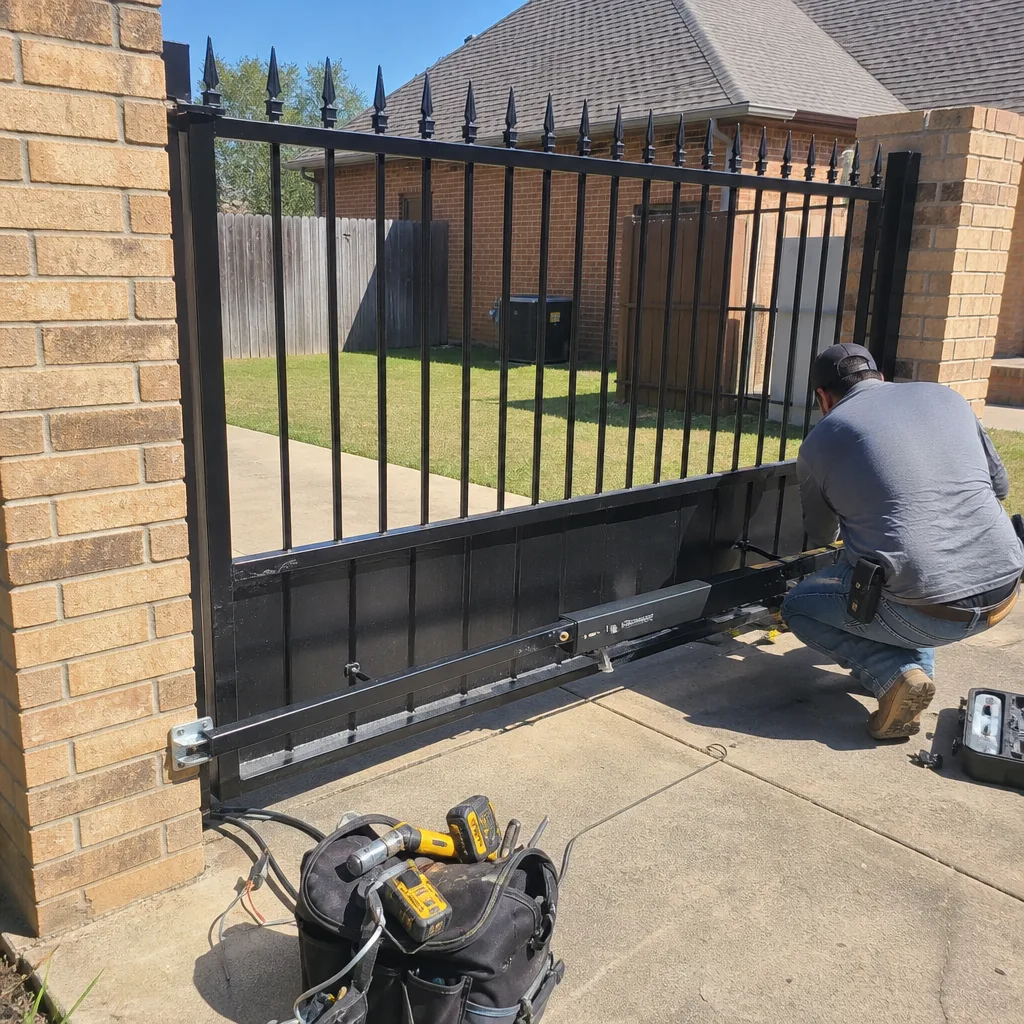 After
After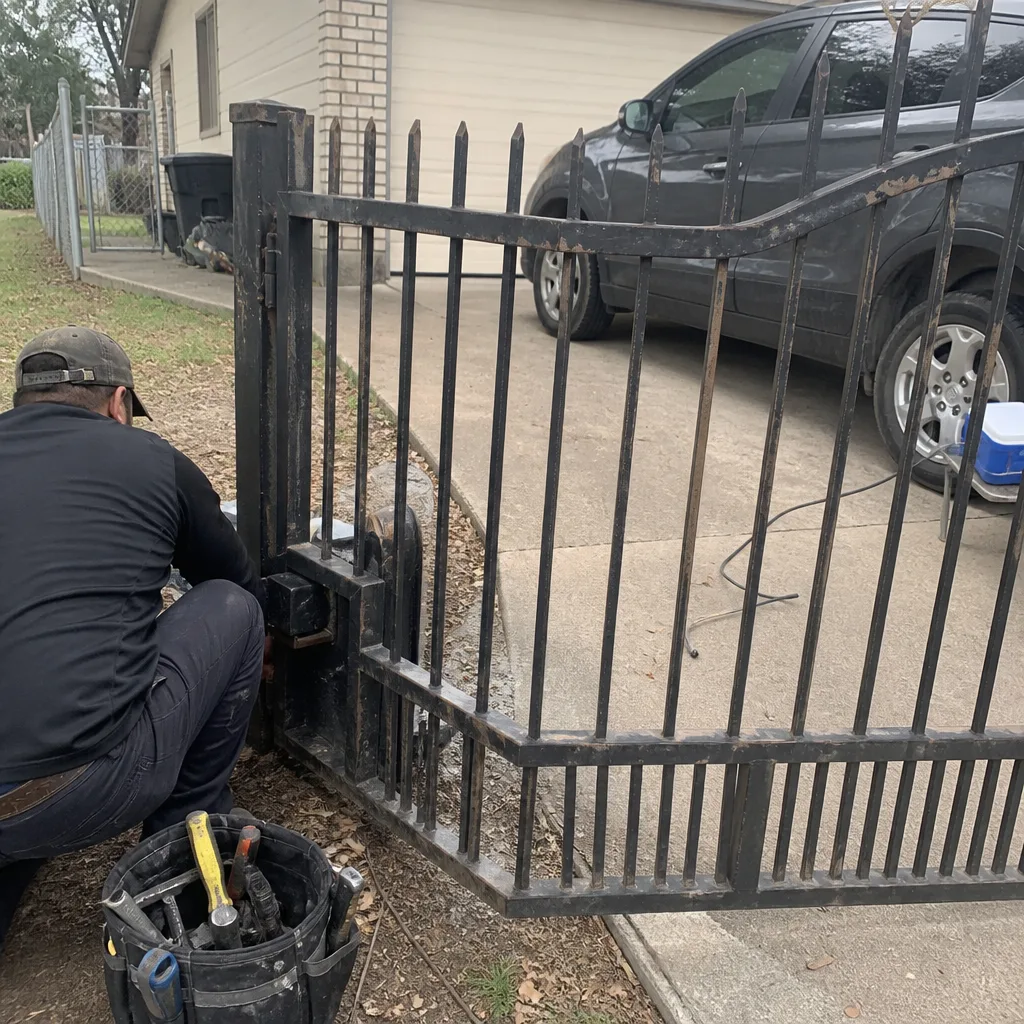 Before
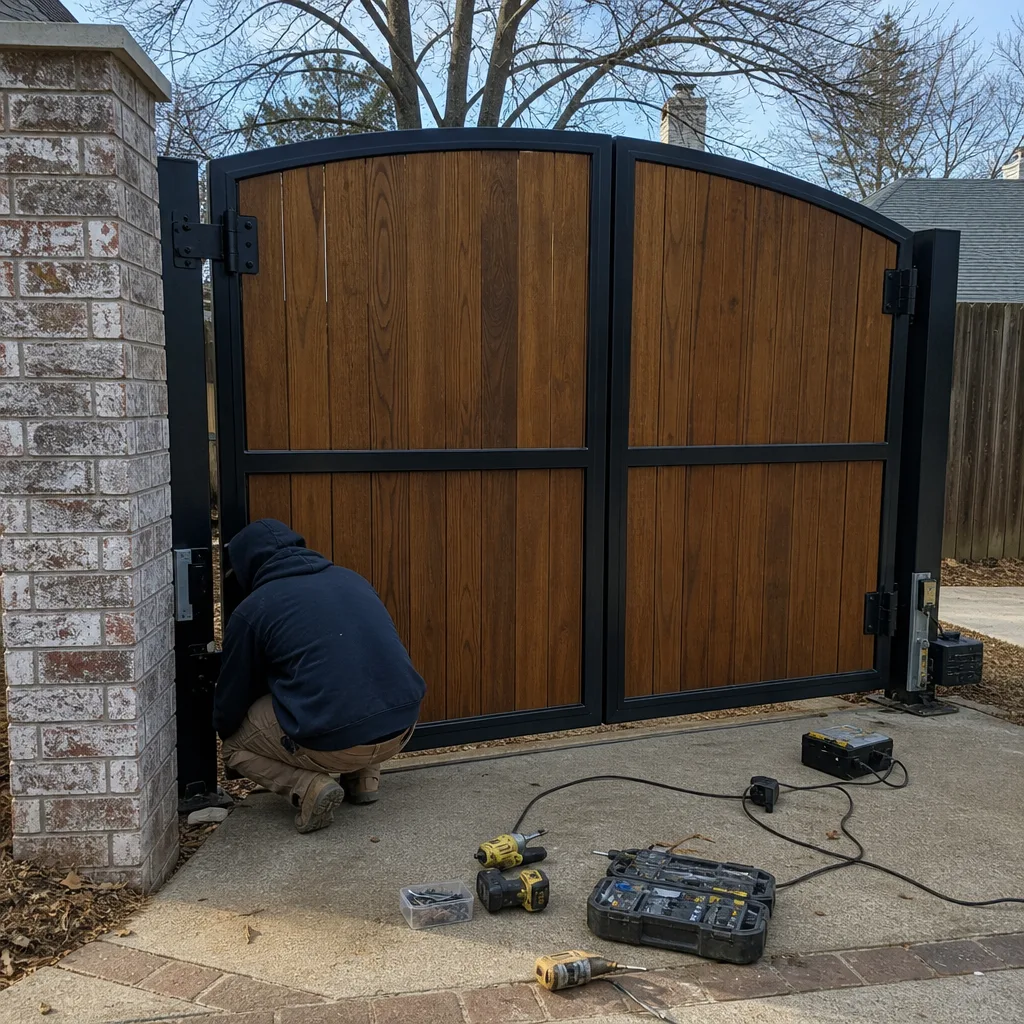 After
AfterFrequently Asked Questions
A gate that reverses before closing is usually experiencing a voltage drop at the operator – often from a corroded wire splice or an undersized transformer – rather than an obstruction. Test the voltage at the motor terminals while the gate is moving. If the voltage drops more than 15% during operation, you’ve found the problem. If voltage holds steady, check the photo eyes and safety edge for misalignment or damage. Call (866) 321-6117 for an exact diagnosis if you’re not sure – estimates are free.
Gate repair in DeSoto typically ranges from $150 to $450 for common fixes like sensor realignment, fuse replacement, or remote reprogramming. More involved repairs – a new transformer, a replacement safety edge, or a motor capacitor – usually fall between $300 and $800. A full operator replacement can run $900 to $2,500 installed depending on the brand and the type of gate. The only way to get an accurate number is a proper diagnosis, because replacing the wrong part is always the most expensive mistake. Call (866) 321-6117 and we’ll identify the actual problem and quote a fixed price before any work begins.
Same-day service depends on the nature of the problem and our current schedule. Many common repairs – blown fuses, misaligned sensors, remote programming, and transformer replacements – can be completed in a single visit. Call (866) 321-6117 to check current availability and we’ll let you know if we can get to your DeSoto property today.
A complete Gate Installation in DeSoto includes the gate itself, the operator, the safety systems (photo eyes and safety edges), the control board and receiver, all wiring and conduit, and programming for your remotes and keypads. For slide gates, it includes the track and roller system. For swing gates, it includes the hinge posts and the operator arm mounting. A free on-site measure is the first step – we’ll assess your entrance, recommend equipment that fits the opening and the usage pattern, and give you a written price before anything is ordered.
Yes. Our Electric Gate Repair in DeSoto service covers the full electrical system – transformers, wiring, logic boards, sensors, loop detectors, and access control components like keypads, card readers, and phone-entry systems. We diagnose electrical faults at the component level rather than replacing entire assemblies, which keeps repair costs down and gets your gate running faster.
Most residential gates in DeSoto should be serviced twice a year – once in early spring before the growing season and once in late fall before the first freeze. Each service visit should include a rail or hinge inspection, a check of the safety systems, a voltage test at the operator, and lubrication of all moving parts. In areas with expansive clay soil, the loop detector and the gate’s alignment should also be checked because the ground shifts seasonally and can affect both. A regular service schedule catches small problems before they become operator replacements.
The Bottom Line
Gate troubleshooting is a process of elimination, not a series of guesses. Start with the power source. Test the voltage under load. Check the mechanical components before blaming the electrical ones. Know which brand you have, because the diagnostic language varies. And never bypass a safety system to get the gate working temporarily. The most expensive repair is the one that replaces the wrong component first – and the cheapest repair is the one that starts with a proper diagnosis. If you’ve worked through this guide and the problem isn’t obvious, or if you’re looking for more guides & resources or a commercial system with more at stake than a driveway, call us. We’ll identify the actual source of the failure and tell you honestly whether you need a repair, a component replacement, or a new installation. And you’ll know the price before any work starts.
Written by the team at Bastion Gate Repair, serving DeSoto since 2012.